

VCEP Overview
Introduction
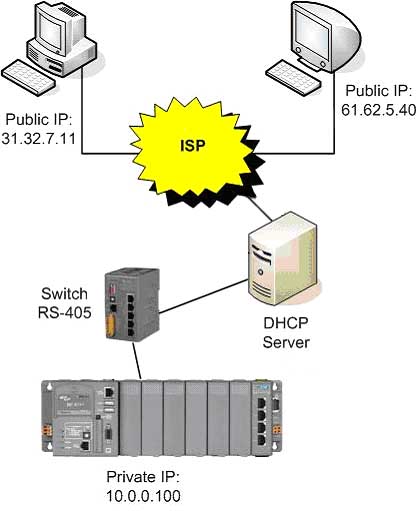
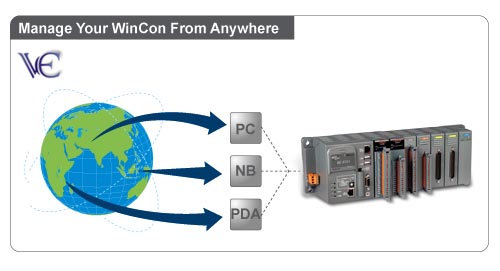
CPDAS VCEP is designed for managing your WinCon-8000 anywhere. No matter where you are, ICPDAS VCEP provides a convenient environment on the Desktop PC and lets you control your WinCon-8000 remotely. ICPDAS VCEP is composed of two main components: The Server which runs on WinCon-8000 and the Client which runs on a Desktop PC. Once a connection is established between the client and server (initiated by the client), the client will periodically send requests for screen updates and send mouse/key click information to the server to simulate. Each video frame is inter-compressed against the previous frame and then intra-compressed with a modified LZW scheme to minimize the amount of data transmitted from server to client.
Main Feature:
1. Displays a virtual device which passes mouse and keyboard activity to the remove device
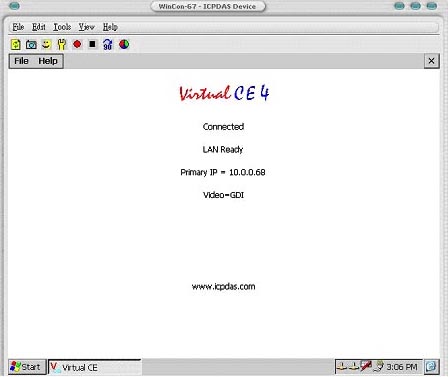
2. Supports up to 32 simultaneous connections in any combination
3. Rotate the display to any angle in 90 degree increments.
4. Variable frame rate (1-18fps).
5. Scale image 1-3X.
6. Supports low color mode displays.
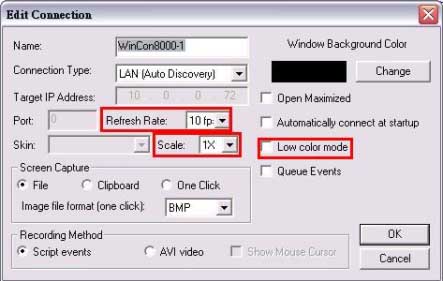
7. Capture screen to Clipboard/File or One-click shots to BMP files with auto-naming.
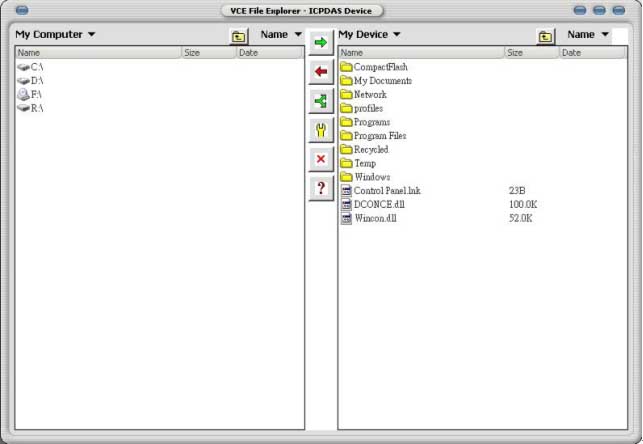
8. File explorer allows files to be sent or received from the remote device.
9. Auto-discovery of the WinCon on a LAN.
10. Reset WinCon remotely.
11. Password protection.
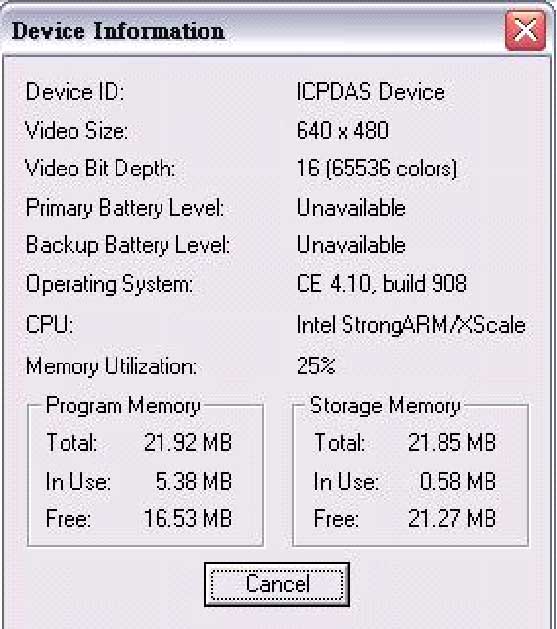
12. Support device and process information
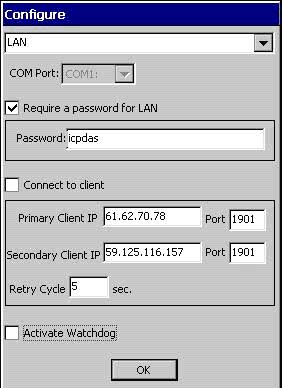
13. Actively connect from Server to Client.
14. Watchdog auditing.
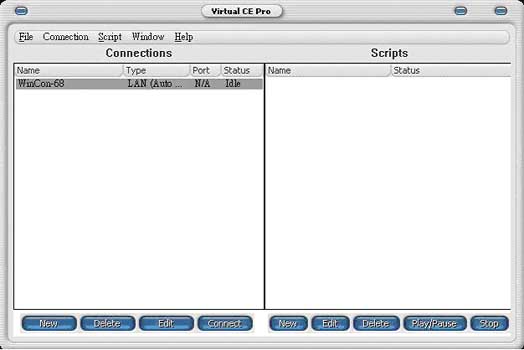
15. Record/Play script events
Scenario
1. General Remote Control from Client
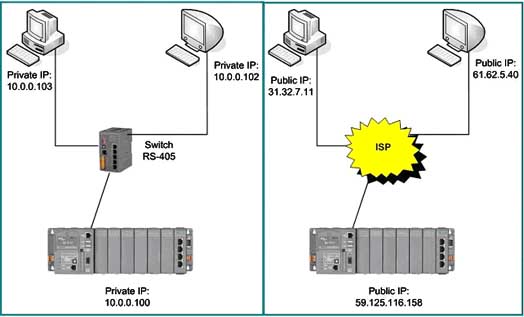
2. Active Connection from Server.